Work Online/Offline
You can work offline or online with DRIVEGUI.exe.
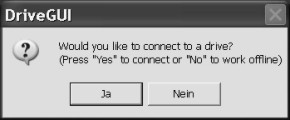
Online: connected to a working servo amplifier (24 V auxiliary voltage)
Offline: without connecting to a working servo amplifier
Work Online
|
|
The machine manufacturer must perform a risk assessment for the machine and must ensure that unforeseen movement of the machine is never a hazard to personnel or devices. Only if these measures are taken can the customization of online parameters by qualified staff be permitted. |

The software checks the existing interfaces. If it detects a connected servo amplifier, the software starts with the start screen. If Multilink function is switched on (MDRV=1), then a list of scanned servo amplifiers in the system is shown, where you can select the required one.
|
|
|
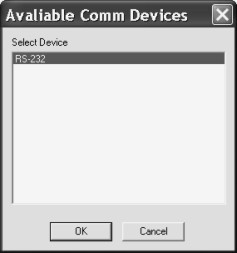
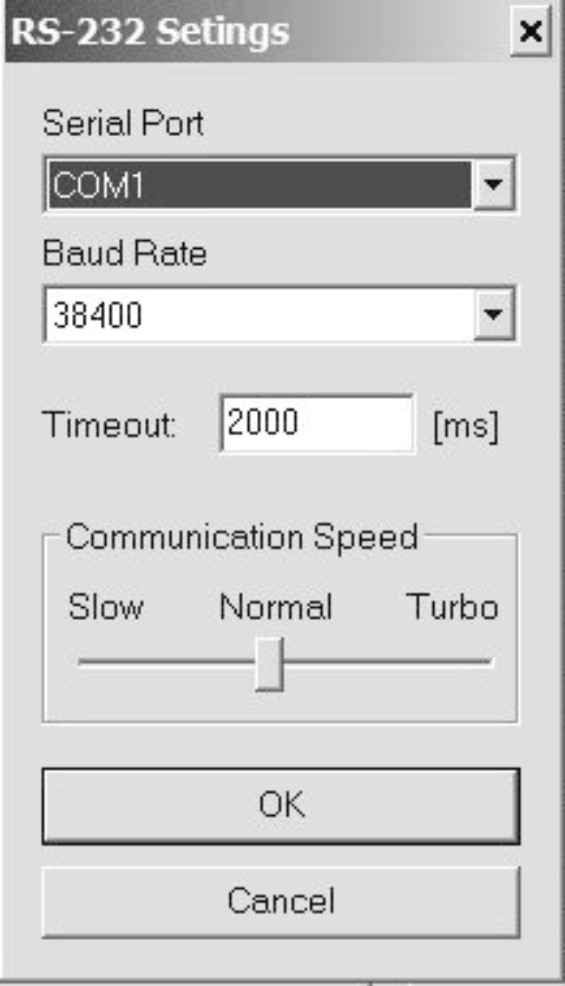
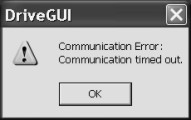
If you have never started a communication before, you have to configure the communication parameters first. Choose the communication system and the interface (COM1 ... COM10), where the servo amplifier is connected to. Set the baudrate and speed and click OK. The software tries to communicate with these parameters. If it's successful, you see the start screen. If not, you receive this error message: |
|
Frequent causes:
|
Quit the error message. The software starts in the offline mode now, that requires the manual selection of the amplifier's type. Quit this selection by closing the window.
Fix the communication problem. Restart the software in Online mode.
Work Offline
If you work offline, all functions that need a communication line between the servo amplifier and PC are not active.
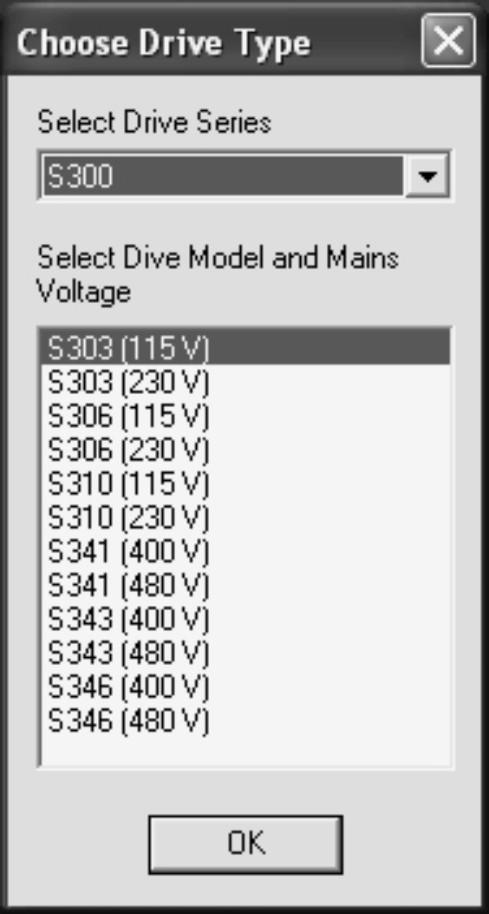
|
The software can't detect a servo amplifier type in the offline mode. You need to select an amplifier type first. Select the data line from the displayed list that corresponds to your device and the mains specification. All valid combinations (continuous current and mains voltage) are given. Click OK. A default data set is loaded now. These data can be changed and stored to an external file. |


