How to use the Online-Help
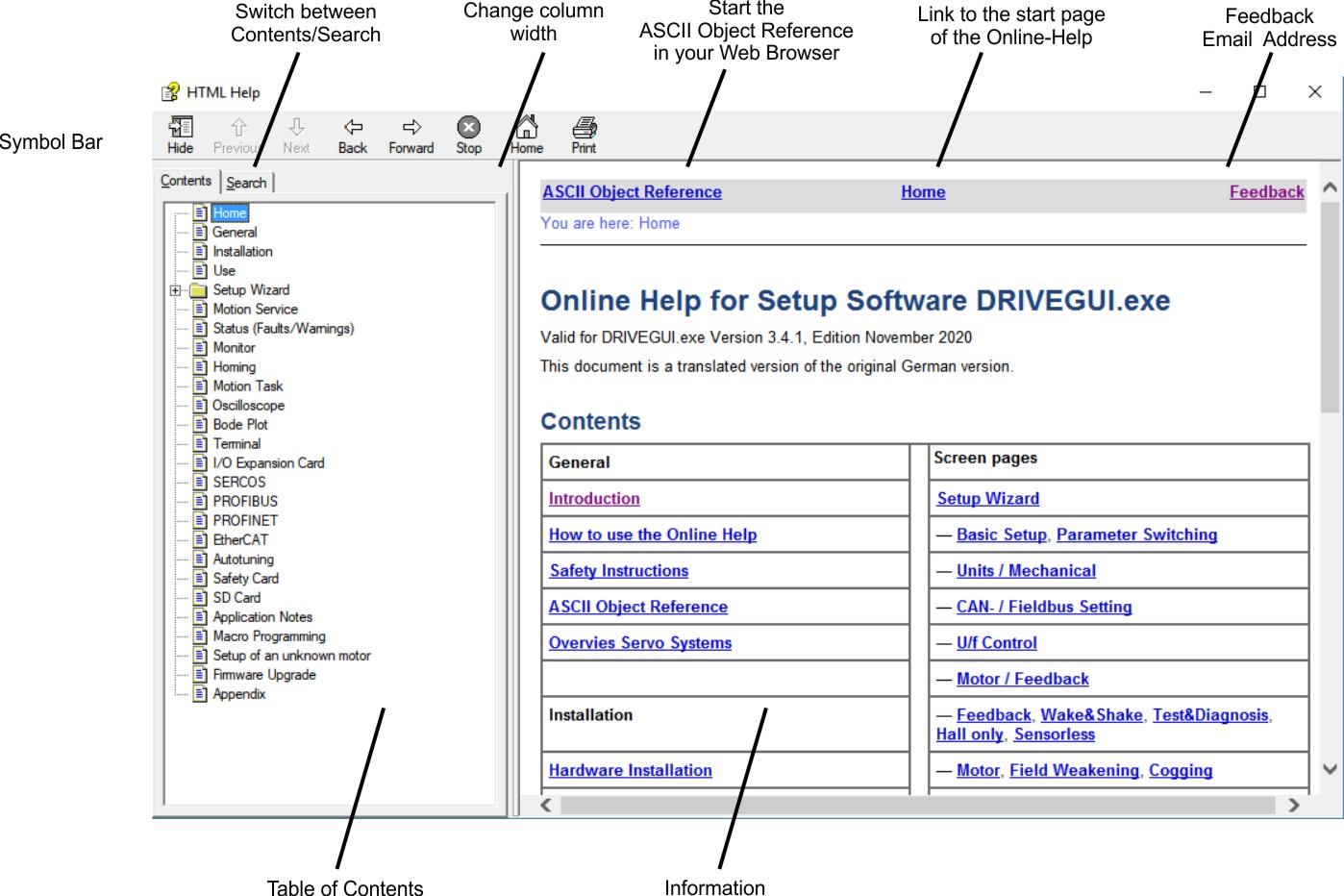
Navigation
All frames are visible only, if you started the online help from the menu bar of the setup software. If you use Context Help or function key F1, the fulltext search frame and the text frame are visible only. In this case you can restart the help system by clicking the symbol "Home".
Full text search
The button Show/Hide activates/deactivates the full text search frame. Use asterisk or question mark (? or *) as usual with Windows search.
If, despite the SHOW button being pressed, the window in which you enter a search term does not open the first time the help system is called, the search-window column width is preset to “0” by the operating system. In this case, modify the column width by dragging the gray column separator at the left edge of the window, a process with which you should be familiar from WINDOWS.


